Overview
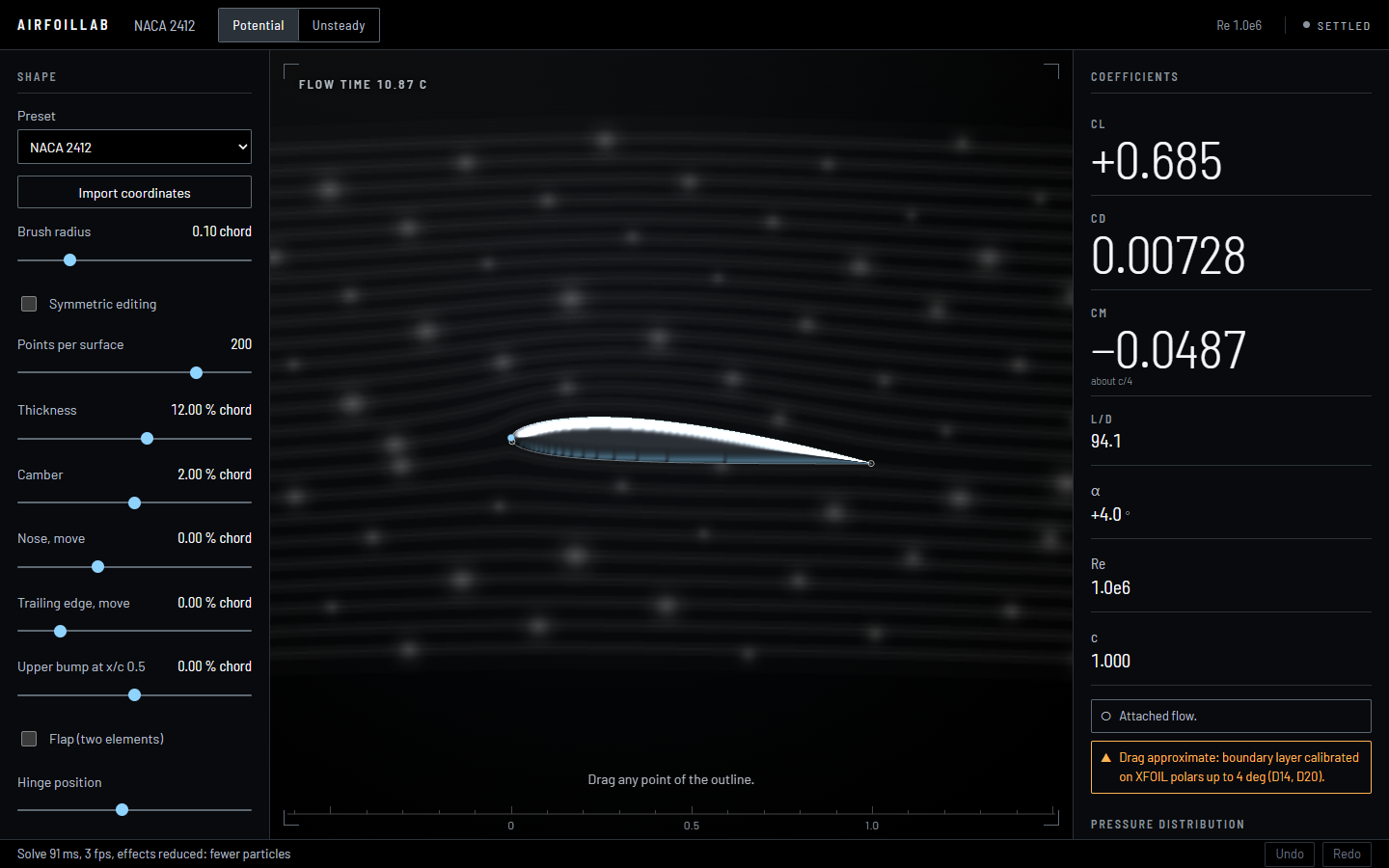
Grab any point of an airfoil, drag it, and watch the lift, drag and pitching moment change as you move. AirfoilLab is a simulator in the browser that does exactly that: a panel method with a boundary-layer model gives the numbers, a second solver shows the flow moving, and every result is checked against established references. It is also an experiment in building engineering software with AI tools.
It started from what my fluid-mechanics course project could not do. That solver set the circulation by eye and gave drag values with no physical meaning; this one models the flow properly and says clearly which numbers are only approximate.
Scope
The project has two aims.
The first is the simulator itself: an interactive airfoil editor, a model that gives lift, drag and moment quickly enough to follow the mouse, a second view that shows the flow moving, and a check of every result against trusted references, written up in a technical report.
The second is to see how new AI tools change the way we work and develop projects. I set the goals, decide how the physics is modelled and check every result, while an AI coding assistant writes most of the code, the tests and the documentation. Building a whole engineering application this way shows where these tools speed the work up, where they need close supervision, and how the engineer’s role shifts towards defining the problem, reviewing and validating.
It is not meant to replace professional aerodynamics software: it is a learning and demonstration tool, in two dimensions.
Two ways of computing the flow
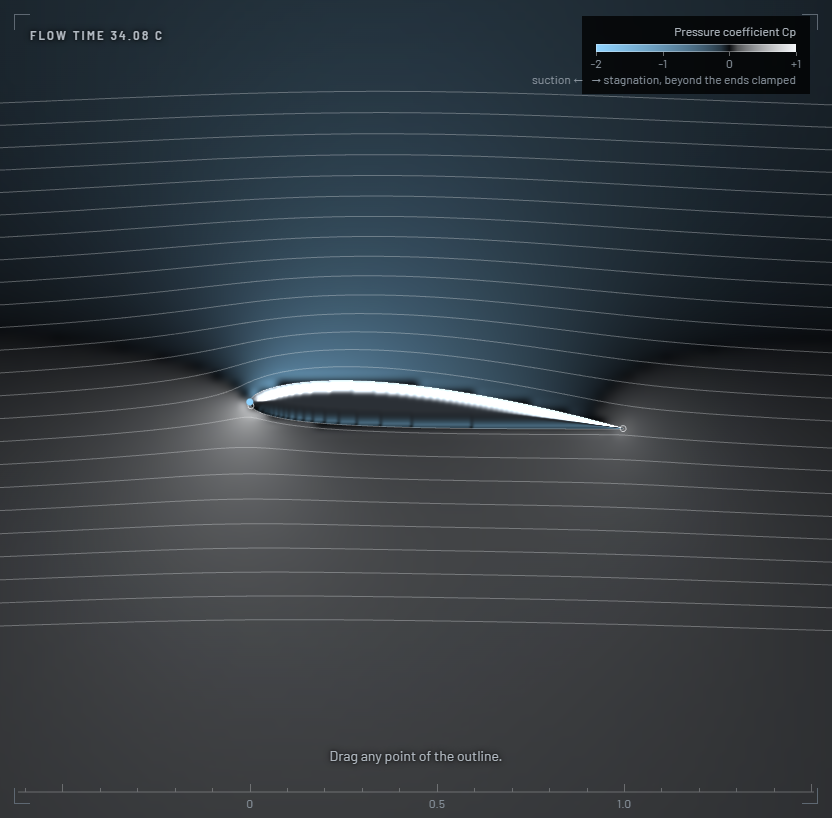
The engineering mode is the one the numbers come from. A panel method describes the airfoil surface as a chain of small panels and solves the flow around it, which gives the pressure along the surface:
That flow on its own predicts no drag at all, so a boundary-layer model follows the thin layer of slow air along the surface, from laminar to turbulent, and the drag comes from it.
The visual mode solves the moving flow on the graphics card with a lattice-Boltzmann method. It shows vortices forming and the flow separating, and the interface labels it as qualitative.
Verification and validation
Every result is compared with a reference, with the tolerance fixed before the run: XFOIL, the standard tool for airfoil analysis, and classic test cases from the literature. Lift and drag agree well with XFOIL for common airfoils at small angles of attack, and most of the checks pass. The ones that do not are documented as such, along with automated tests for the solvers and the interface.
What is left
Finishing the technical report, publishing the application online and polishing the interface. This page will link to the simulator once it is live.